


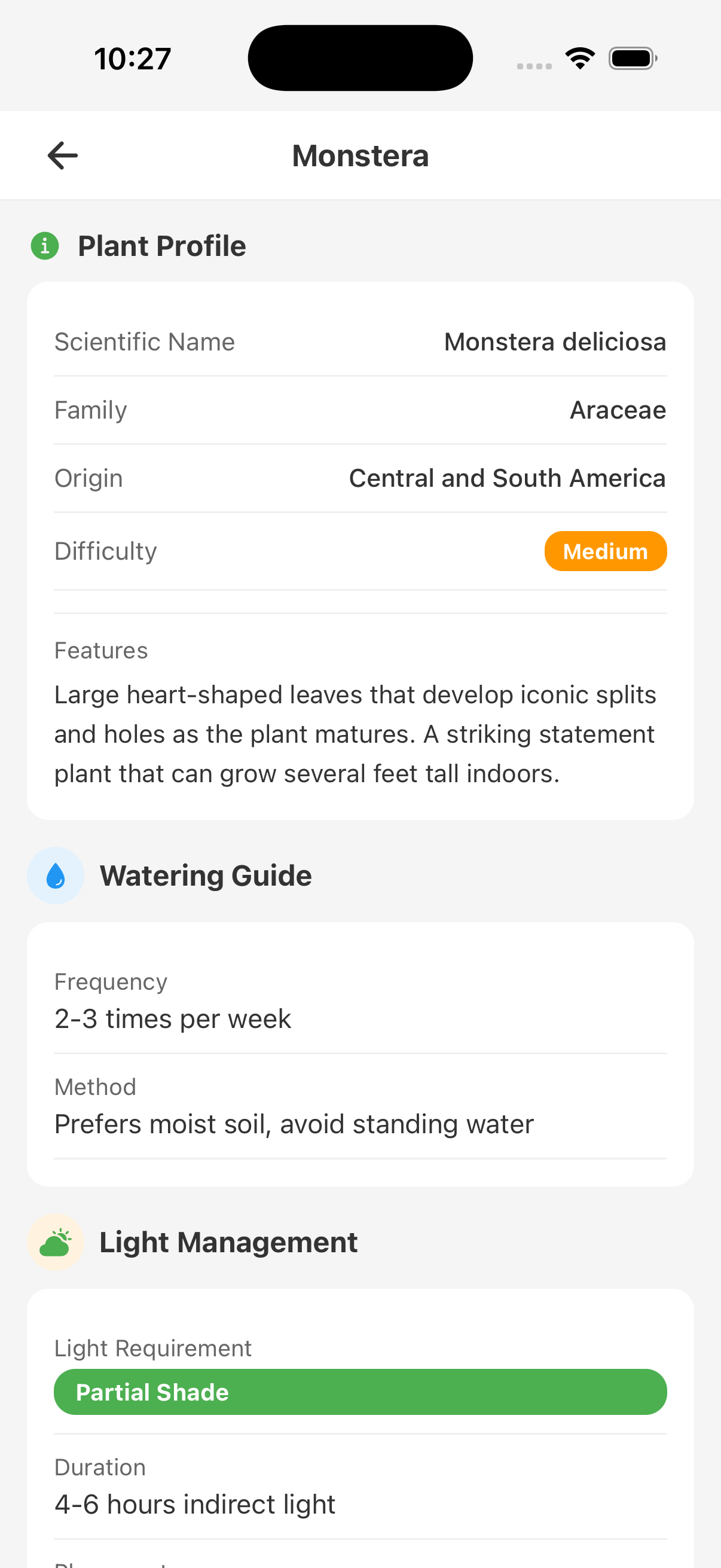
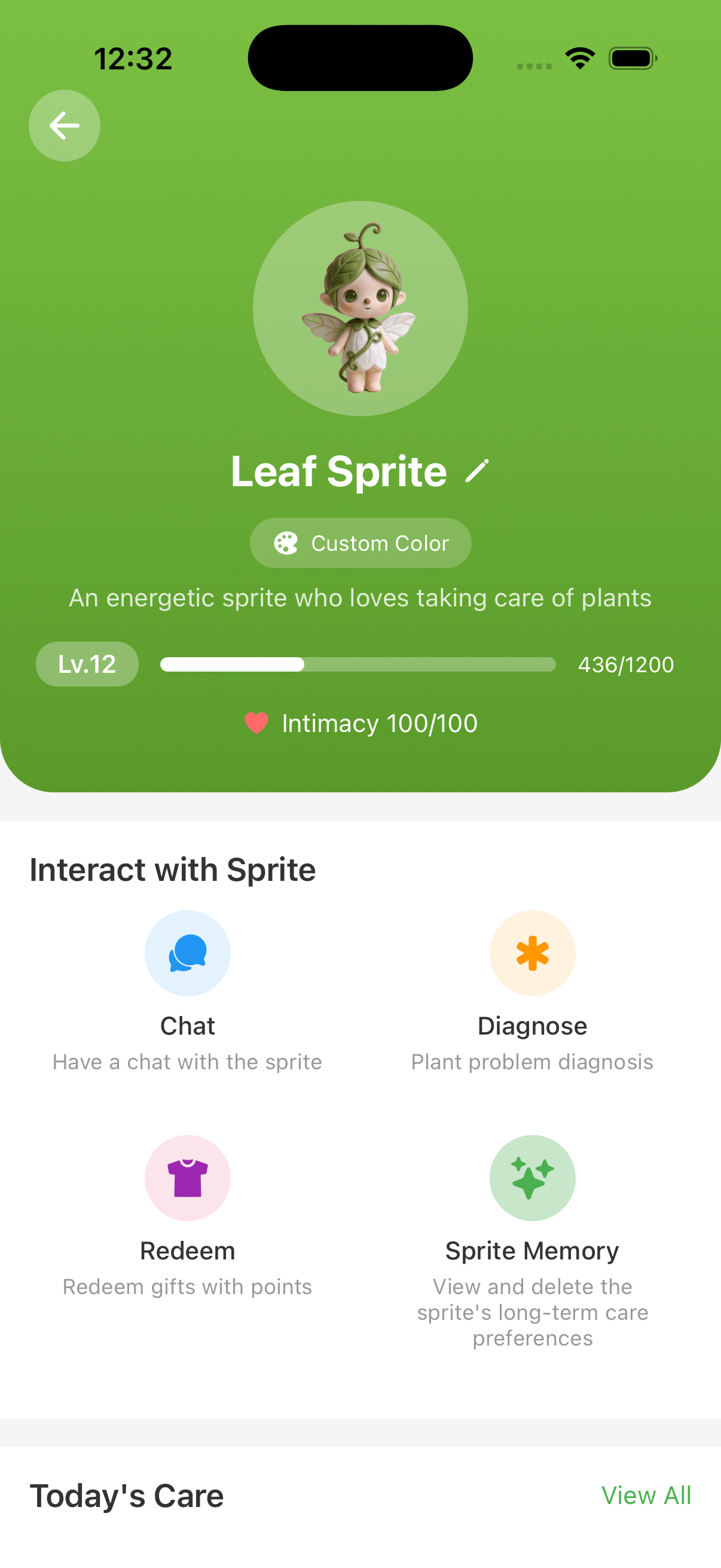
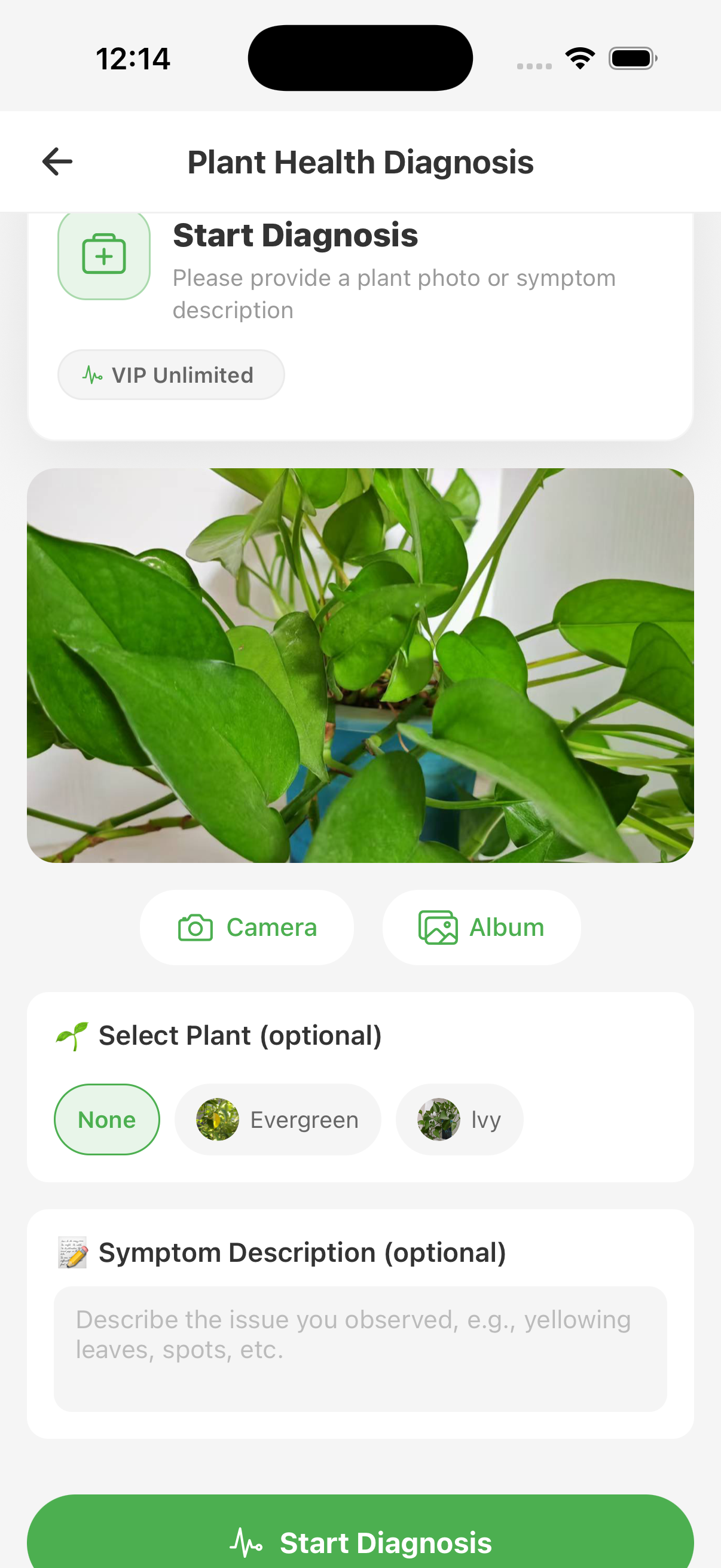
You are caring for your first plant
The hard part is rarely finding one watering number. It is knowing what plant you have, where it lives, what to inspect, and what changed since the last care session.
- Photograph the plant and review the proposed identity.
- Save its location, pot, and current condition.
- Use reminders as prompts to inspect, then record what you did.
Your collection has outgrown memory
Different pots dry at different speeds, and a task list becomes useful only when it preserves the context behind each plant. FoliagePal keeps upcoming checks, completed care, skipped tasks, and observations connected to the right profile.
- See what needs checking without treating every plant the same.
- Complete, postpone, or skip a task based on current conditions.
- Review the timeline before changing the care plan.
A plant suddenly looks wrong
A yellow leaf can have several causes. Instead of changing water, light, fertilizer, and soil at once, use a structured inspection to narrow the possibilities and keep a record of the action you chose.
- Photograph the symptom and note how quickly it appeared.
- Check moisture, drainage, light, roots, and visible pests in order.
- Compare new growth and recurring signs after treatment.
You want advice that remembers the context
The care companion can continue from useful plant and conversation context, review current tasks and recent care, and help turn a discussion into reminders or records. You can inspect and delete its long-term memories.
You want to see whether care is working
Plant change is gradual. Consistent photos, observations, and care records make it easier to compare growth, decline, or recovery across meaningful dates instead of relying on memory.
When FoliagePal is not enough
FoliagePal is a home plant-care tool, not an emergency, poison, veterinary, pesticide, or professional botanical service. Do not use an AI-only identification to decide whether a plant is edible or safe. For suspected poisoning, severe exposure, or a valuable plant declining rapidly, contact an appropriate local professional.